For Parents
Lio Dino is a fossil-dig and collecting game for children aged about three to six. It runs in the browser and works like an app on a tablet.
In short: A father made this game for his son and made it with love for every child. There is no subscription, no advertising and no data collection. In the Android app you play part of it for free; unlock it once (in the grown-ups’ area behind a parent lock) and everything is open. No account, no login, no timer, no losing.
- No subscription
- No ads
- Unlock once
- No data
Who is it for?
For children who cannot read yet. Everything that matters is read aloud: the dinosaur names, the facts, the hints. Controls are limited to swiping and tapping, and no menu is deeper than one level.
On the start page Lio peeks out of a circle – one tap on him and off you go. Next to him the child sees their newest dino friends. There is no time pressure and nothing to lose. A find is a find.
What your child learns here
- 44 dinosaurs by name. Every name is read aloud, so even words like “Parasaurolophus” stick over time.
- Checked facts. Each find comes with four facts: size, era, diet, special features. A new one at every tap.
- Question before answer. At the first find the game asks “What did it eat?” – and leaves the child a moment to guess.
- Big, heavy, fast. Dinosaurs are compared with things a child knows: a hand, a banana, a child, a car, a house, a bicycle.
- Counting to seven. Every dig site holds seven finds. “Three of seven found already!”
- Six dig sites. Desert, ice, volcano, sea, jungle and quarry – and, in two sentences, why fossils lie there at all.
The games
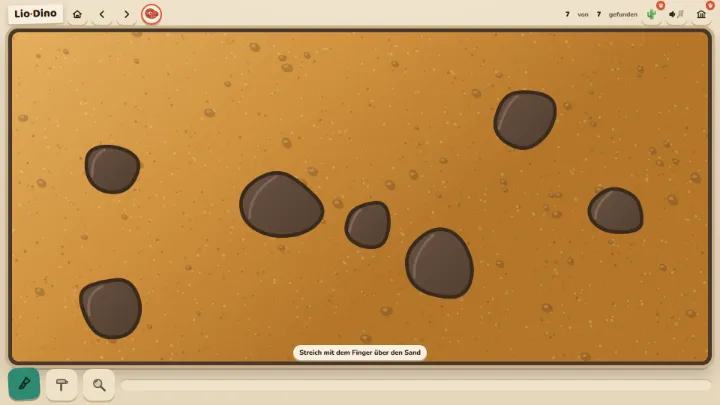
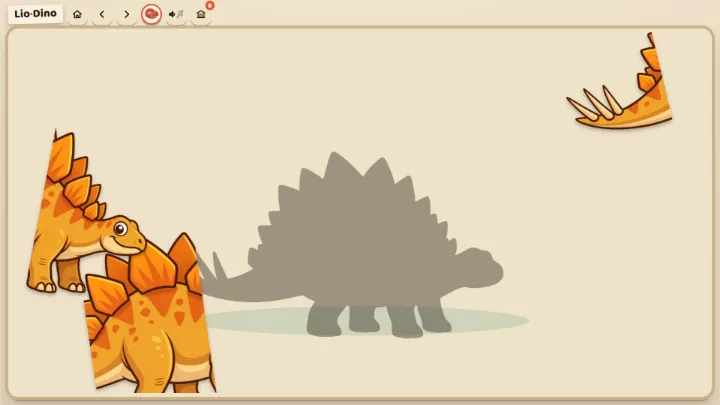
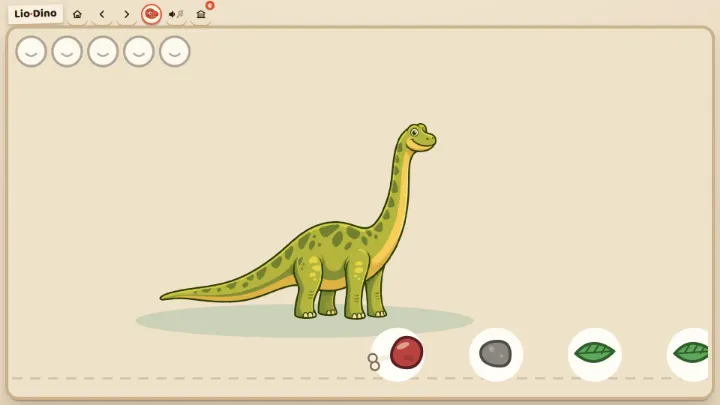
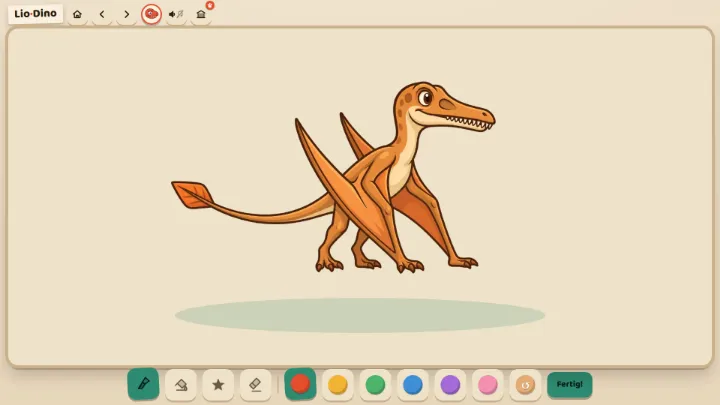
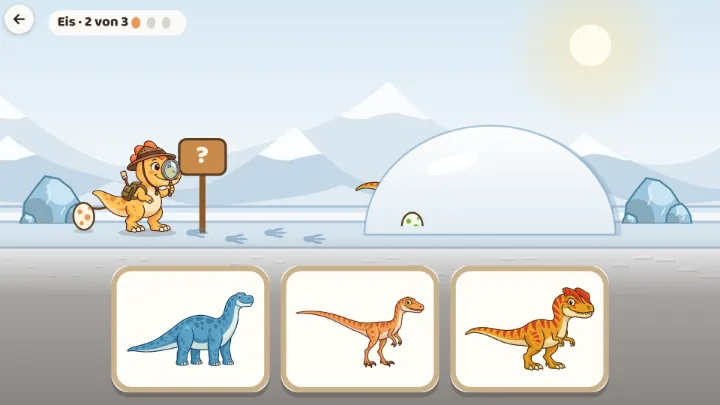
After choosing a dino the game asks “What shall we play?”. Digging is the heart; the other games build on the child’s own finds.
Lio’s Friend Book
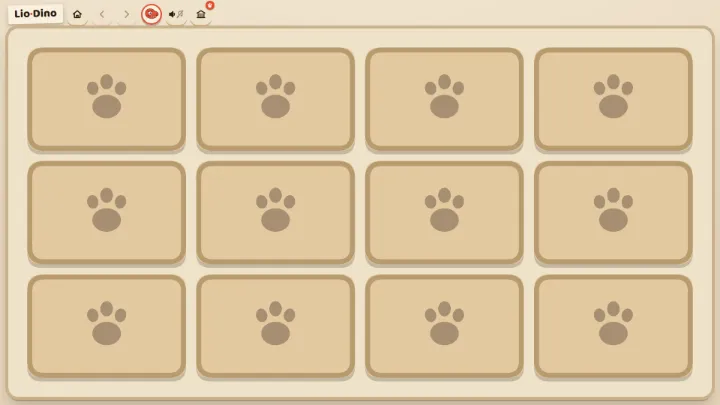
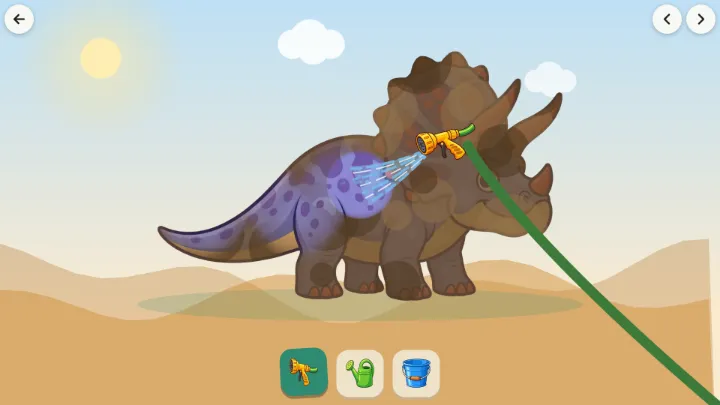
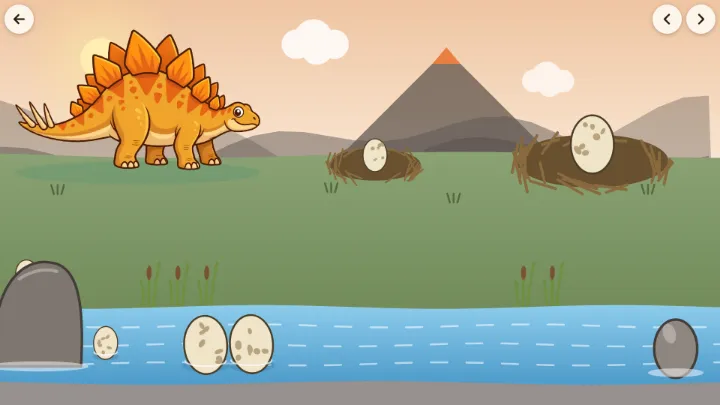
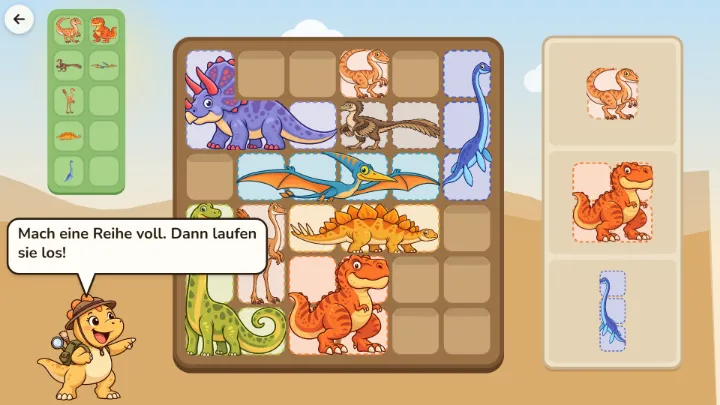
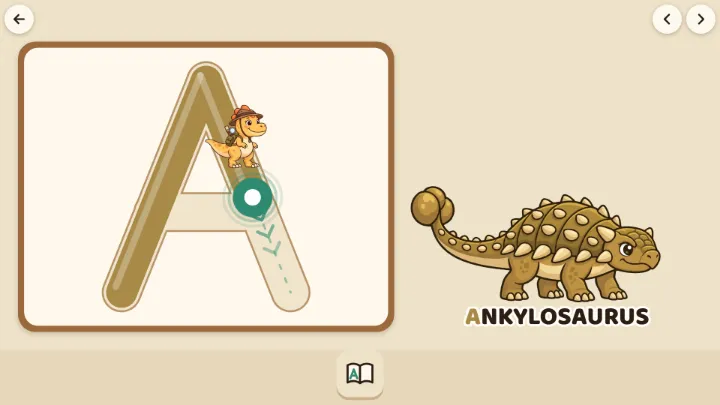
Every dino the child finishes a round with – dug up, puzzled, fed, painted, washed, eggs sorted or photographed – becomes a dino friend. Every friend gets a page in Lio’s Friend Book – where it lives, what it likes to eat, how big it was, when it lived, the photo from the safari and which games the child has already played with it. The friends count towards four levels: with 5 friends the child is a Dino Buddy, with 15 a Dino Pro, with 25 a Dino Star and with all 44 a Paleontologist. At every level a stamp flies into the book, the child’s own dino gets a hat, a badge and a necklace, and from level two the brush turns golden. No time pressure, no luck, nothing is lost: every level can be reached, at any pace and with any favourite game.
Each level comes with a printable certificate. You will find it in the grown-ups’ area (“For parents” at the top left of the start page, then the code lock) under “Friend book and certificate”: enter the child’s name, save the certificate as a picture or print it right away. The name stays on your device only; without it, the certificate has a line to write it in by hand.
How to put Lio Dino on a tablet
Lio Dino is a web app. Once “added to the home screen” it starts like an app without a browser bar and, after the first visit, works without internet.
- iPad and iPhone (Safari): open lio-dino.com, tap the share icon (the square with the arrow pointing up), then “Add to Home Screen”. Note: Safari deletes saved progress when a page has not been opened for seven days. Started from the home screen, everything is kept.
- Android (Chrome): open lio-dino.com, tap the three-dot menu, then “Install app” or “Add to Home screen”.
- Windows and Mac (Edge or Chrome): open lio-dino.com and click the “Install app” icon in the address bar.
Lio Dino also exists as a single file that can be passed on by e-mail or USB stick and runs entirely offline – handy for kindergartens and tablets without Wi-Fi. Drop us a line and we will send it.
Privacy in two sentences
Lio Dino collects nothing. There are no accounts, no cookies, no advertising, no analytics and no third-party content; progress stays in the browser of the device and is never transmitted anywhere. The same goes for the name you can enter for the certificate: it never leaves the device.
The full privacy policy is on its own page (in German, as required by Austrian law).
Found a bug? Have a wish?
Send an e-mail to hello@prompt-it.me. The game offers the same route: “For parents” at the top left of the start page opens the grown-ups’ area after a small code lock – with the child’s progress, play time, the explorer-pass certificates and a button “Report a bug or a wish”.
Why are there no ads?
This game is dedicated to Lio, who loves dinosaurs more than anything. Try it free, unlock it once, and everything is included: no subscription, no ads, no further purchases, no data. Children never see the purchase – it sits in the grown-ups’ area behind a parent lock. So parents can hand over the tablet without worry.
Last updated: 18 September 2026